
Every song you love. On your phone and PC.
Search any song, sing along with synced lyrics, and keep an encrypted offline library on your own devices. No ads, no tracking, nothing on someone else's server.
A home built from artists you love
Pick a few favourites and Musiclify mixes their best songs, finds similar artists, and remembers what you play.
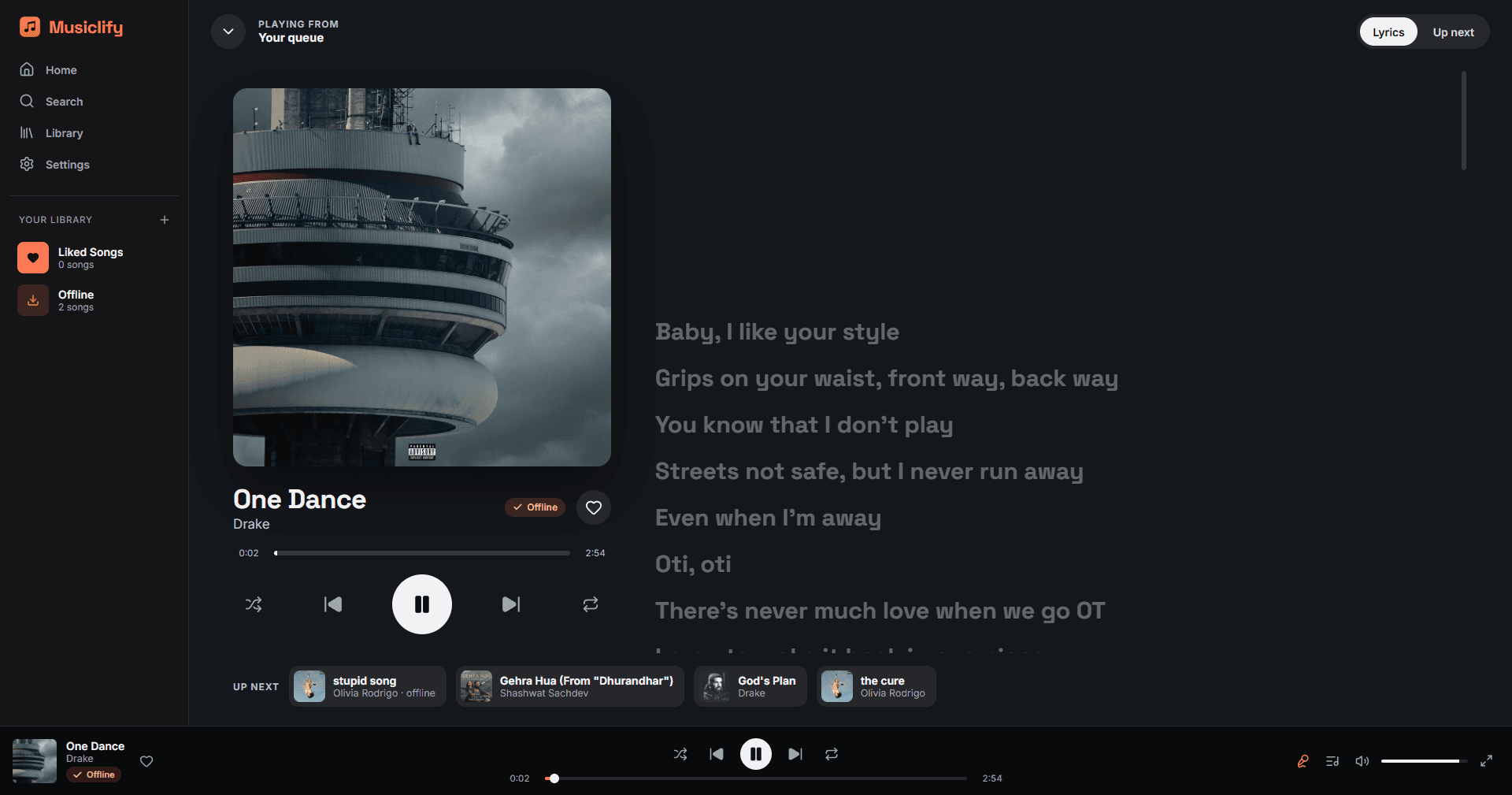
Lyrics that follow the music
Synced lyrics scroll line by line as the song plays. Click any line to jump straight to it, on your phone or full-screen on your PC.
Play once, keep it forever
Every song you play is saved encrypted on your device and plays without internet. Copy the file anywhere else and it simply won't play.
Scan once, your whole library follows
Open Link a device on your PC and scan the code with your phone. Favourite artists, likes, playlists, history and lyrics move across in seconds, without any cloud.
No account. No server holding your music life.
Your library lives on your devices. Linking phone and PC goes straight across your Wi-Fi, sealed with a one-time key.
- Song searches, to Deezer
- Lyrics lookups, to LRCLIB
- Audio, from YouTube
- Song-to-video IDs, so songs start faster for everyone (optional)
- Your name
- Likes and playlists
- Listening history
- Downloaded songs
- YouTube cookies
Get Musiclify
Free for Windows and Android. Install both and link them with a QR code.
- • If SmartScreen appears: More info → Run anyway (not code-signed yet)
- • Allow it on private networks when you first link your phone
- • Open the file and allow installing from your browser
- • Not on Google Play: install it straight from here
Already have Musiclify?
Install 0.6.1 over it, from any earlier version. Your liked songs, playlists and downloads stay. Needs Android 9 or newer; on Android 8, sync with your PC and reinstall.
Update to 0.6.1Also for macOS (.dmg) · Linux (.AppImage) · Linux (.deb) · all releases
Questions
Is it free?+
Yes. Free and open source under GPL-3.0, with no ads, subscriptions or accounts.
Where does the music come from?+
Song info from Deezer, lyrics from LRCLIB, and audio fetched from YouTube on your own device. Musiclify hosts no music.
Is it legal to use?+
Musiclify is meant for personal listening. YouTube's terms restrict downloading and music is copyrighted, so use it responsibly and support the artists you love.
Why does a new song take a few seconds?+
It's found and saved the first time you play it. After that it starts instantly, even offline, and your next song is prepared in the background.
What moves when I link my phone and PC?+
Your name, favourite artists, likes, playlists, history, cached lyrics and which songs you had offline (the other device can download them). YouTube cookies never move.
iPhone or Mac?+
Not yet. Windows and Android today.